School Bus Game Master
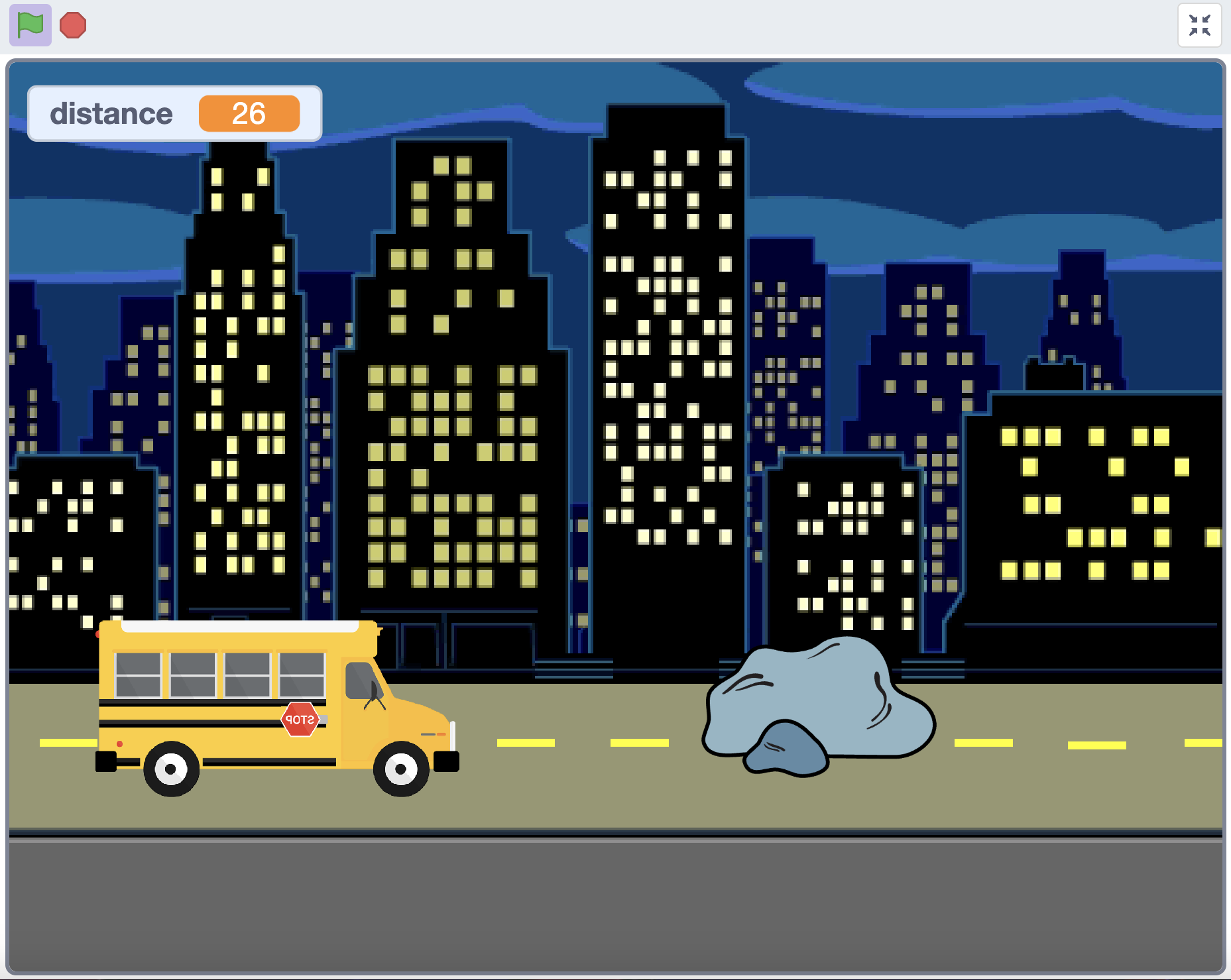
Press "Space" key to jump and help the students get to the school.
( Click the image to play it! )
 Yang Lin
Give lectures on creating games in Scratch platform, 3D modeling on TinkerCAD, and introducing AI features to the robotics lab's kids.
I have had the opportunity to instruct robotics students in assembling OLLO and VEX GO robots, providing them with hands-on experience in building and understanding the mechanics of these systems. This practical approach not only enhanced their technical skills but also fostered teamwork and problem-solving abilities.
In addition to robotics, I taught coding fundamentals using Scratch, a visual programming language. Through this platform, I helped students create their own games, allowing them to grasp essential coding concepts in an engaging and interactive manner. I also guided students in creating 3D models using TinkerCAD, a user-friendly design tool. I managed the entire 3D printing process, ensuring that their digital creations were brought to life, which further enriched their understanding of design and manufacturing.
Furthermore, I introduced students to various AI technologies to keep them abreast of advancing trends. This included familiarizing them with ChatGPT, Suno, and AI image generators, providing them with insights into the capabilities and applications of artificial intelligence.
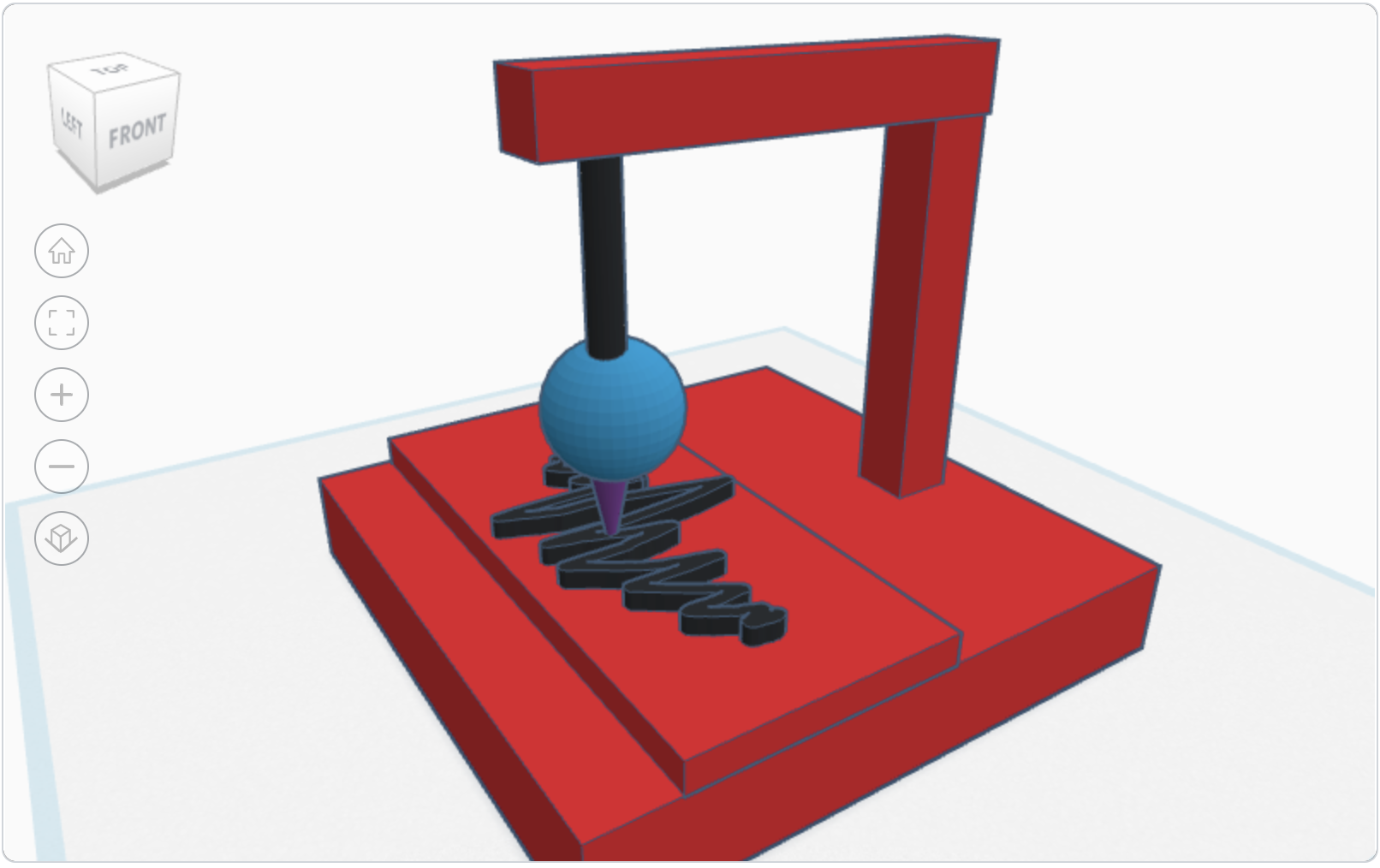
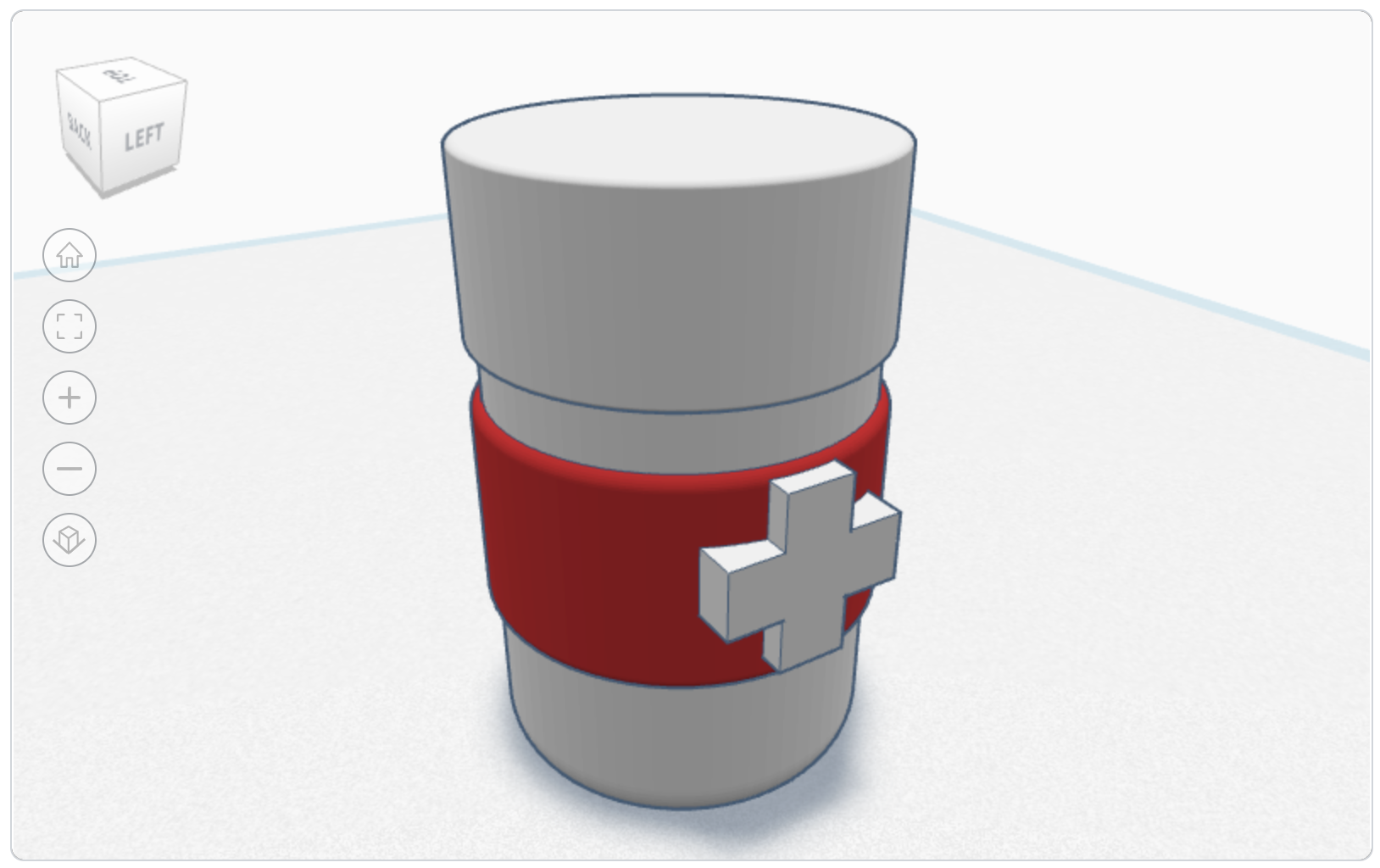
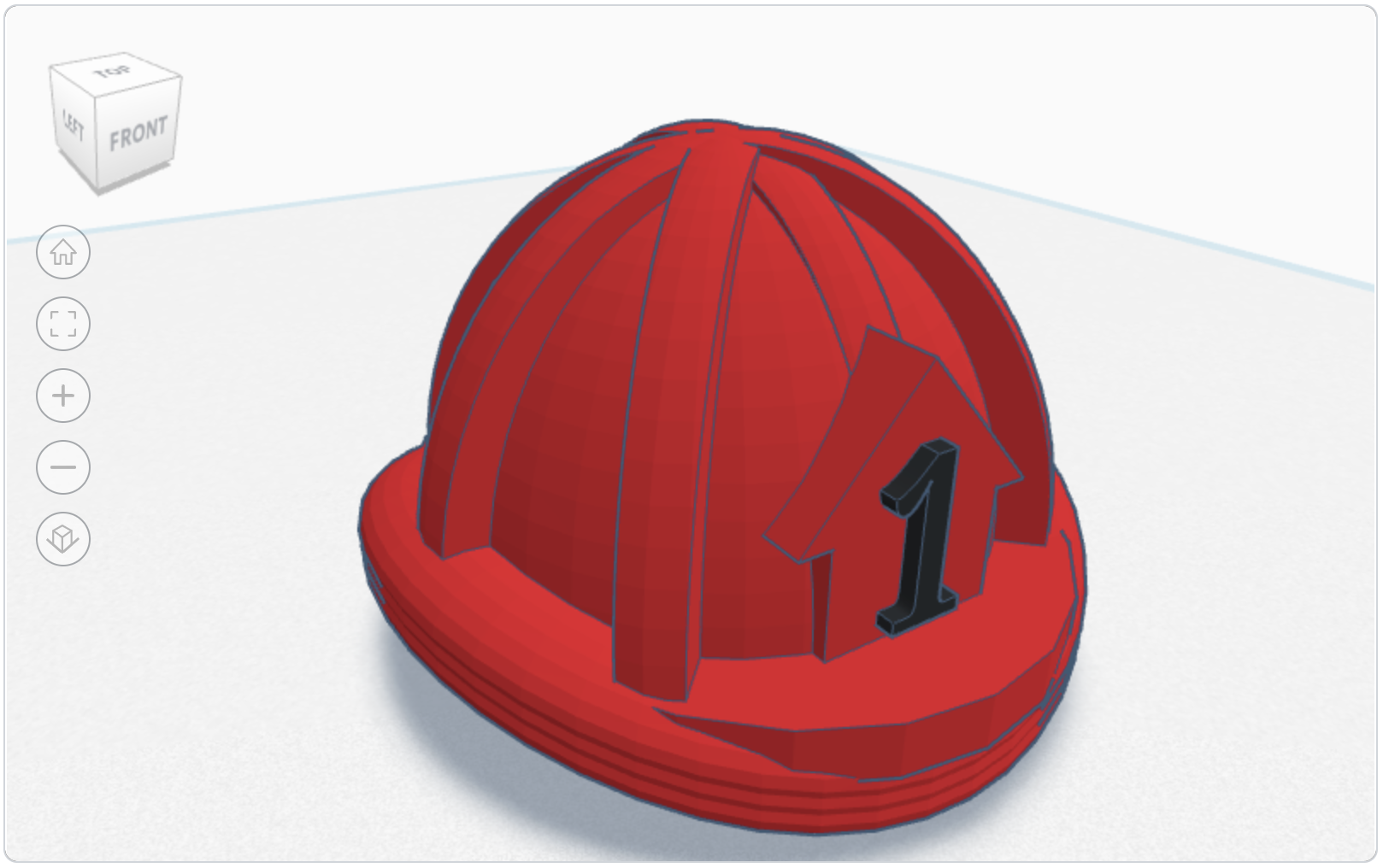
The following showcase some of the Scratch projects and 3D models I taught them to make.
Press "Space" key to jump and help the students get to the school.
( Click the image to play it! )
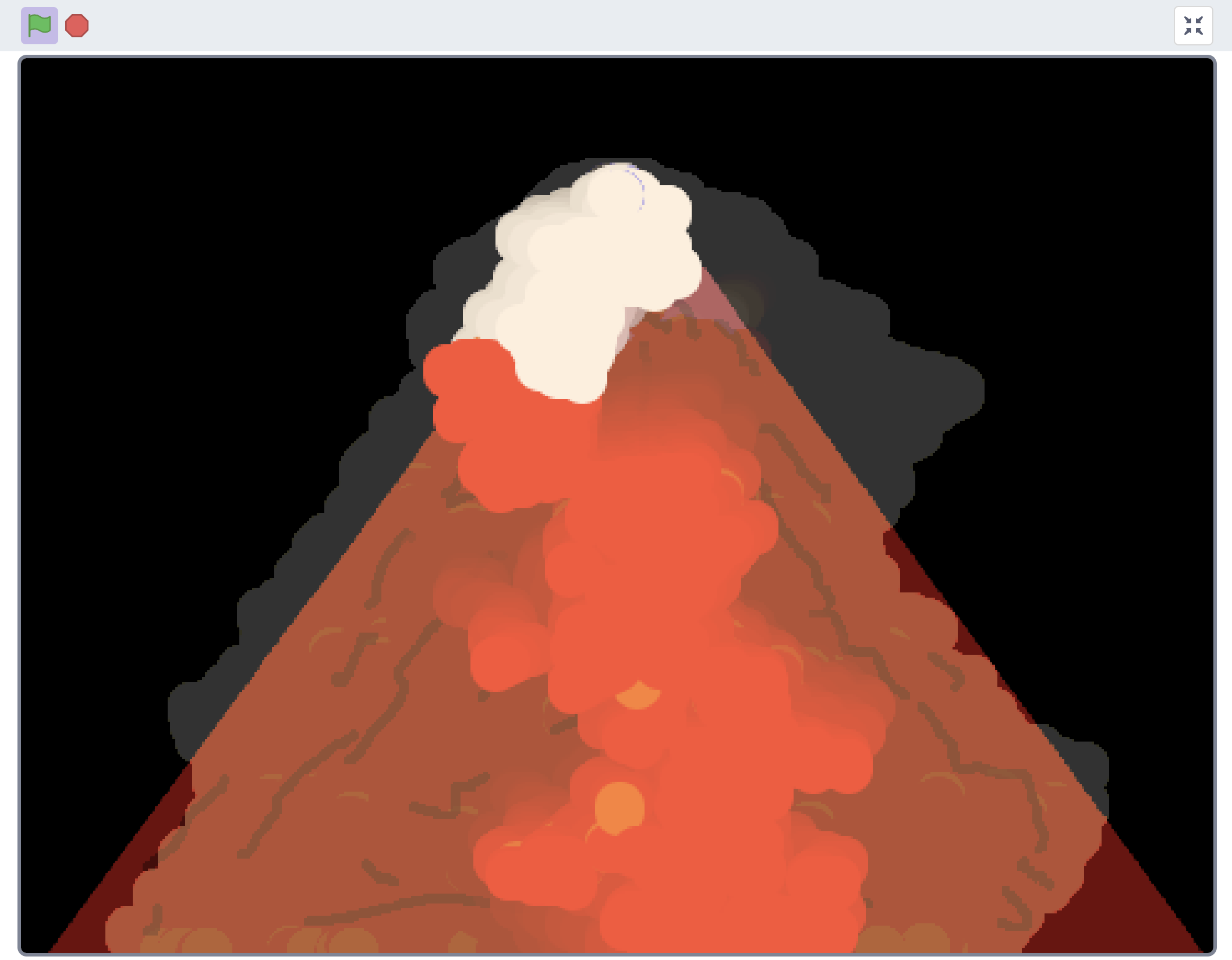
Enjoy the animation of a volcano explosion.
( Click the image to play it! )
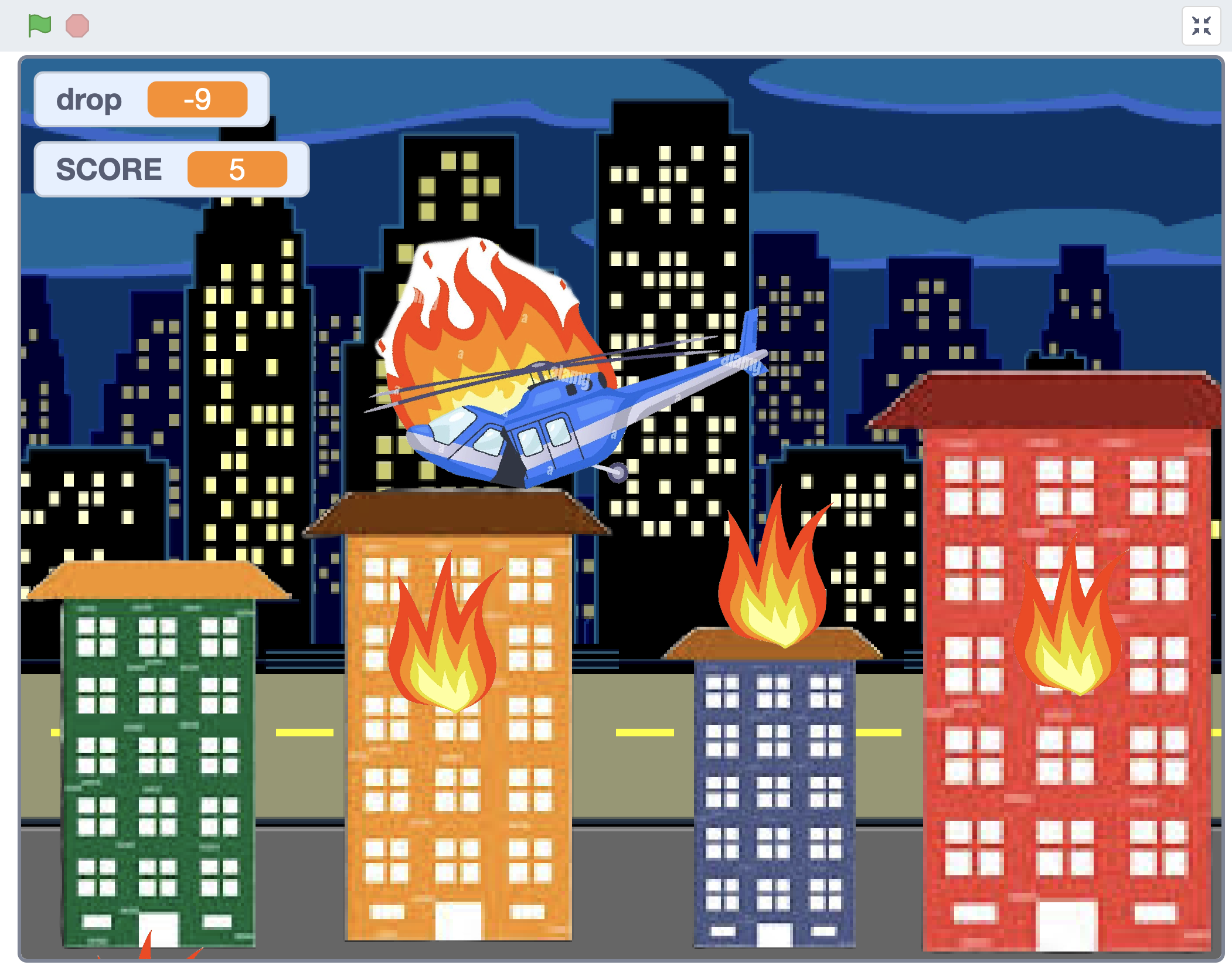
Able to control the helicoptor with "W", "A", and "D" key. Drop the water to put out the fire with "space" bar.
( Click the image to play it! )